Feature
Photos showing a pupil without image consent are hidden from every family.
Reviewed on
The short answer
With Auladia, teachers upload class photos from their phone to the class album, and each family views and downloads them in the app, with no public link.
Before uploading, the screen names the pupils in the class without image consent. Unless the teacher confirms they are not in the photos, the photos stay hidden from families.
From the teacher’s camera to the family’s phone
- Laia Serrat, Year 5 A class tutor, creates the album “Pottery workshop” for her class. Teachers can only create albums for classes they teach or tutor.
- She taps upload: many at once from the gallery, or with the camera. If the classroom has no signal, the photos wait in the phone’s queue and upload on their own when the network returns.
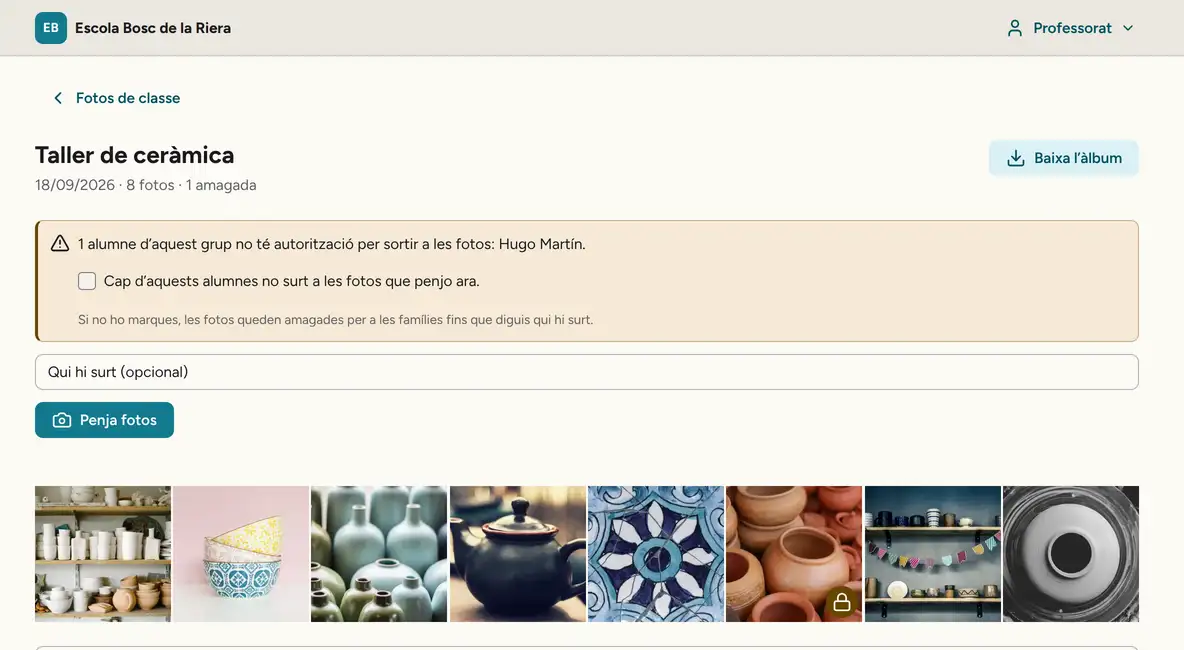
- Before publishing, a notice names the pupil: “1 pupil in this class does not have consent to appear in photos: Hugo Martín”. If he is not in them, Laia confirms that none of those pupils appears in this upload. If he is in one, she leaves it hidden or deletes it.
- Each photo is resized and stripped of metadata, including location, before it is stored.
- Pol’s mother opens Photos in the app and sees the Year 5 A albums. She can download the original of a photo or save the whole album to her phone’s gallery; on a computer, the album downloads as a ZIP.
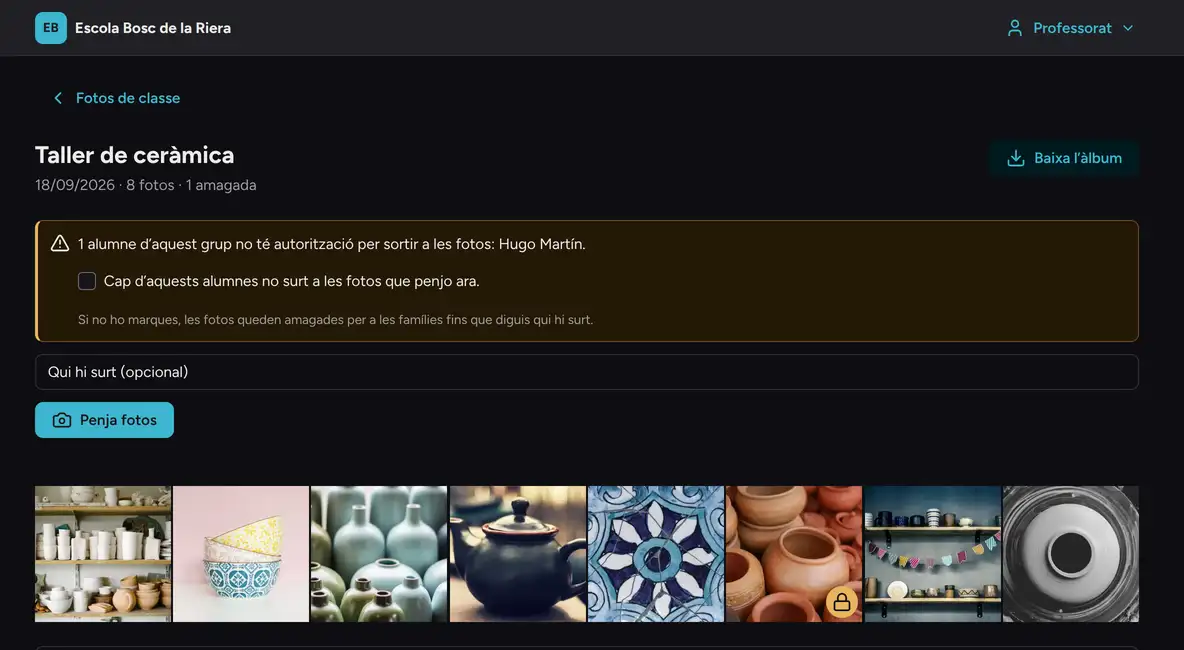
The screenshot shows the album on the tutor’s computer, with the interface in Catalan: 8 photos, 1 hidden with a padlock because Hugo is in it. Pol’s family sees the same album with 7 photos.
Who sees each photo
| Who | What they see and can do |
|---|---|
| The class teacher | Albums for their classes, with hidden photos marked. They can delete photos they uploaded. |
| Leadership and head of studies | Every class in the school year. They can delete any photo, and it is logged. |
| Parents | Albums from the days their child was in the class, without hidden photos. Never who has been tagged. |
| Separated parents | Both see the same, unless a court restriction excludes one of them. |
| Pupils under 18 | No access. |
Photos sit in private storage. Each image opens with a pass that expires after fifteen minutes, and hidden photos get no pass for families.
What Spanish law says about photos of pupils
- Organic Law 1/1982, Art. 3, says minors consent to the use of their own image if they are mature enough; otherwise their legal representative gives consent in writing.
- LOPDGDD, Art. 7, sets the age at fourteen: below it, processing based on consent needs the consent of parents or guardians.
- The AEPD guide for schools allows photos of activities to be taken for families to see if access is in a secure environment with sign-in and limited to the events the pupil took part in. It asks schools to remind recipients not to share them openly, and says teachers should not send them by messaging app as part of their teaching role.
When consent is needed and when it is not, and what to do about the school website and social media, is covered in the guide on children’s data and photos at school.
If a family withdraws consent mid-year
The family changes it under Privacy in the app. Class photos where the teacher had tagged that pupil are hidden at once, even for someone with the album open, and untagged photos are hidden until the teacher reviews them.
Albums are deleted automatically one year after the end of the class’s school year, unless the school sets a different period in its retention schedule.
Frequently asked questions
Can I upload trip photos if one pupil has no image consent?
Yes. The screen tells you who it is; if they are not in the photos, you confirm it once for the whole batch, and any photos they appear in you leave hidden or delete.
What if the teacher does not tag anything?
The upload is not blocked, but the photos stay hidden from every family until the teacher says who is in them or confirms no pupil without consent appears.
Can parents download the photos?
Yes, only the ones they can see: one by one or the whole album, as a ZIP on a computer or saved to the phone’s gallery. Once downloaded, they are responsible for them, as with a printed photo.
Can a family from another class see Year 5 A’s photos?
No. Each family sees albums from the days their child was in the class, and no photo has a public link.
Do the photos include the location where they were taken?
No. Before storing them, Auladia removes their metadata, including location.
What Auladia does with class photos
The photos module is part of the school plan and needs the families module. Teachers upload from a phone or computer, the database decides on every read which photos each family may see according to each pupil’s current image consent, and school leadership can oversee everything, with a log.
Families give consent in the app, and teachers see it only as a name in the notice, without opening any record. How this data is protected: Security.
Auladia does not recognise faces: the teacher says who is in each photo. It does not publish photos on the school website or social media either. The app for iPhone, iPad and Android is in pilot, and the interface is in Catalan and Spanish.
A teacher’s day with AuladiaSources
The rules and official documents this page cites.
- Organic Law 1/1982 on the right to honour, privacy and one’s own image, Article 3 (Spanish) BOE (Spanish Official Gazette)
- Organic Law 3/2018 on data protection and digital rights (LOPDGDD), Article 7 (Spanish) BOE (Spanish Official Gazette)
- Guide for schools (Spanish) Spanish Data Protection Agency (AEPD)
- School organisation and management documents: personal data protection (Catalan) Catalan Department of Education
This page describes what Auladia does on the review date; what it does not do yet is on Coming next. Published on .
Want to see it on screen?
In the demo we show you how Auladia handles it with a made-up school’s data, and what it does not do yet.
Request a demo