For teachers
Take the register and get back to teaching.
Teachers open the app and see their day. They take the register, enter marks, upload photos and talk to families, from a phone or a tablet.
Your day
-
Primary starts · Laia Serrat, Year 5 A tutor
Nursery and primary start
Laia Serrat, Year 5 A tutor
9:00. The register, even in the classroom with no signal.
Laia takes the register for Year 5 A on her phone. The two absences that families reported first thing are already there: no phone calls.
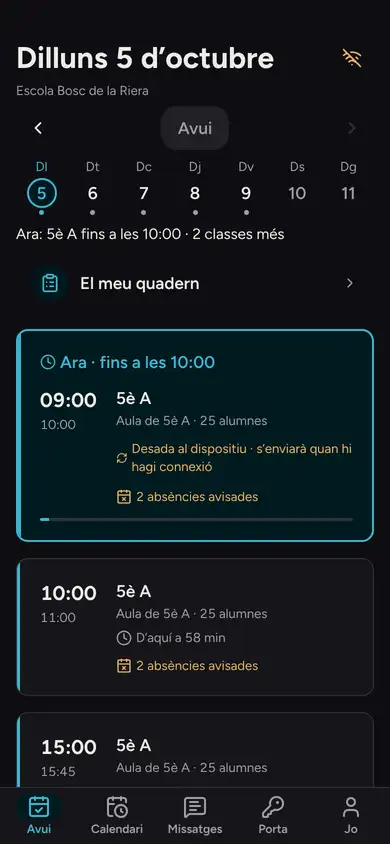
If the classroom has no signal, the register is saved encrypted on the device and sent by itself when the connection comes back. The screen says where it is: saved, sending or done.
Module: Attendance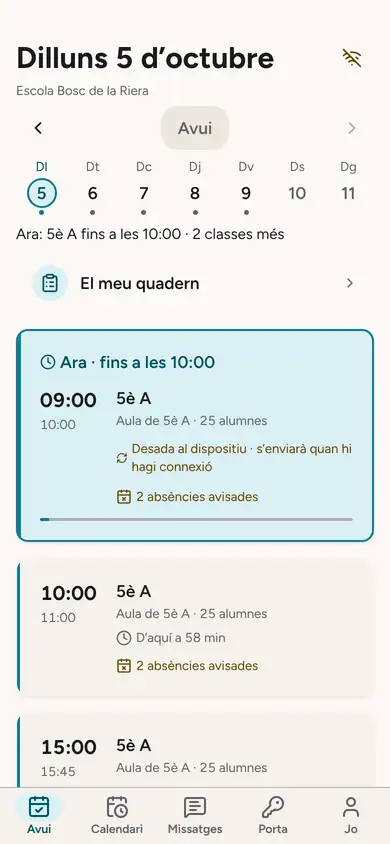
-
Afternoon · Laia Serrat, Year 5 A tutor
Afternoon lessons
Laia Serrat, Year 5 A tutor
15:00. Workshop photos, only for those who may appear in them.
Laia opens the Year 5 A pottery workshop album and Auladia reminds her, right at the top, that Hugo has no image consent.
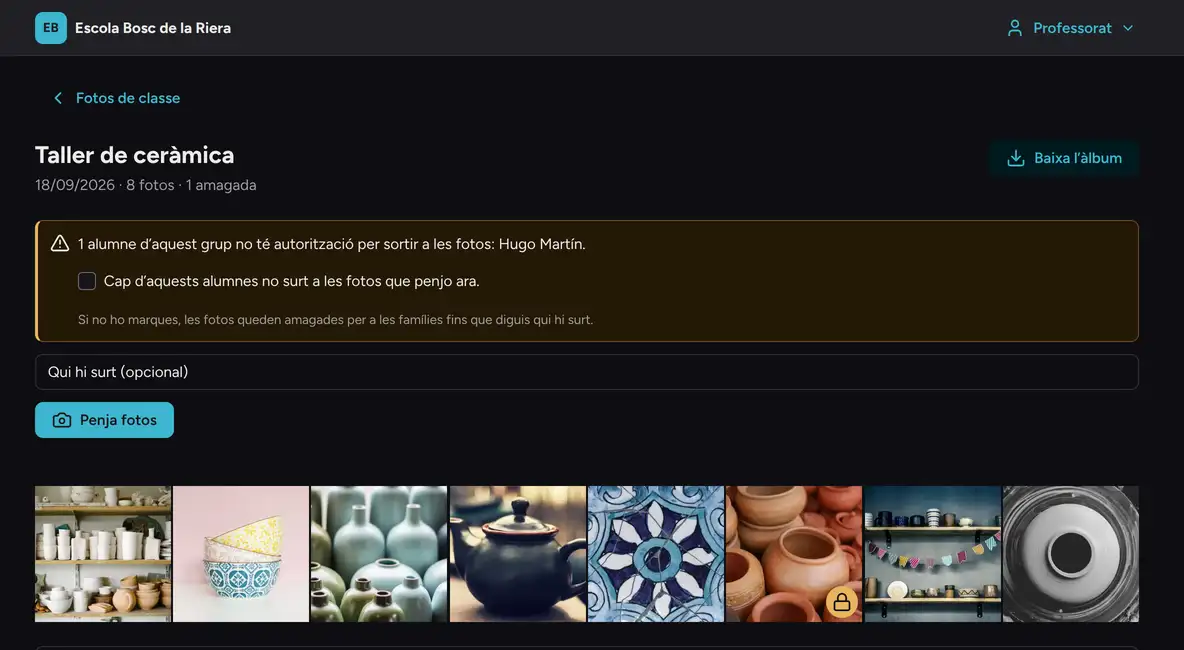
The photo he appears in carries a padlock: Laia can see it, families cannot. That is why Laia has 8 and Pol’s mother 7, the ones she may view and download.
Module: Photos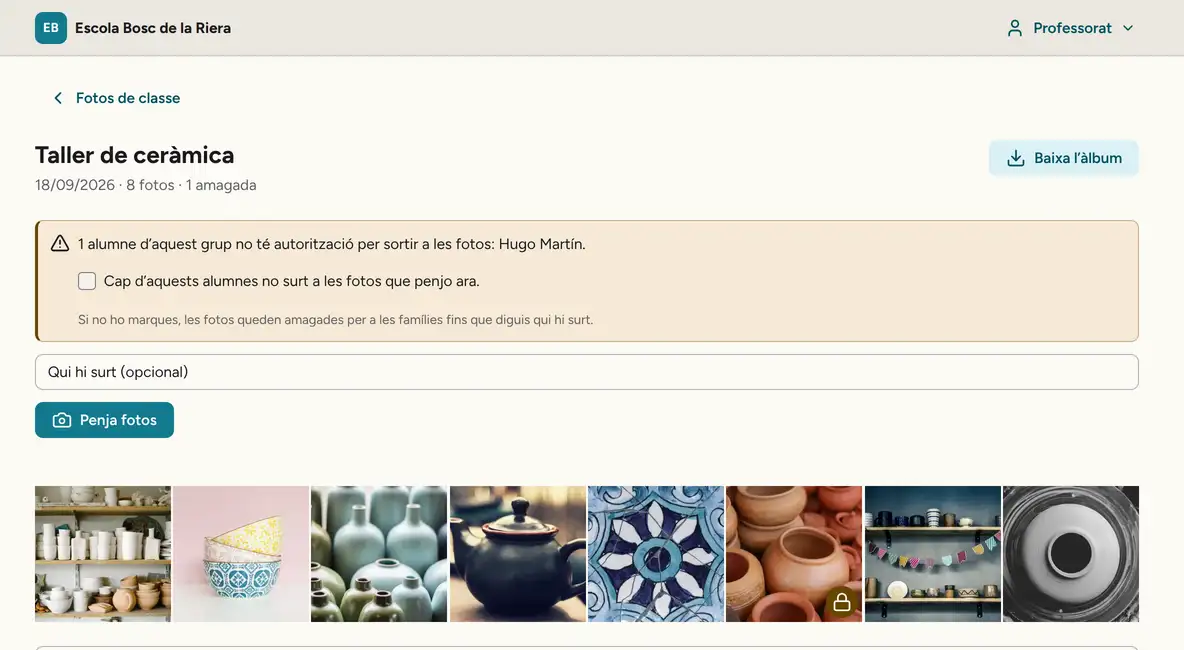
-
Home time · Laia Serrat, Year 5 A tutor and Ona’s mother
Home time
Laia Serrat, Year 5 A tutor and Ona’s mother
16:30. The Year 5 A tutor is also the mother of Ona, who is in Reception.
Her Today screen shows both: the Year 5 A register and, below it, what she needs to know about her daughter. No switching accounts, and each part with its own permissions.
At 16:40 the bus home leaves. Pol’s mother already knows when it reaches her stop, and how the morning trip went.
Module: Shared roles · Transport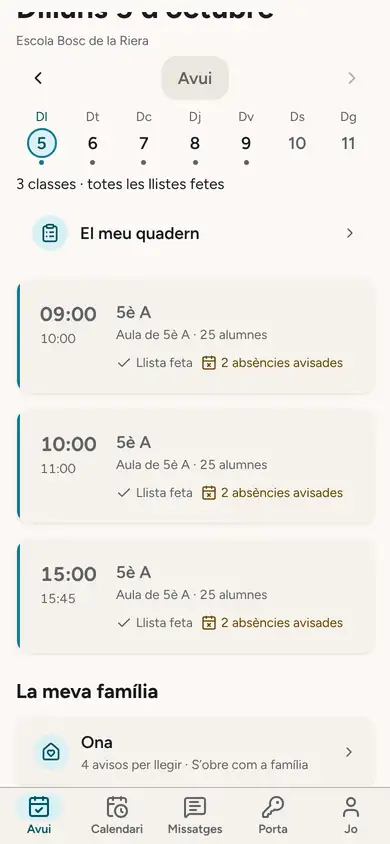
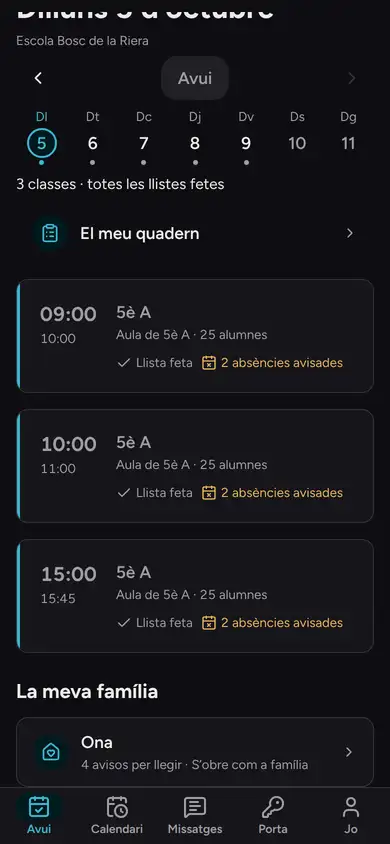
Laia’s Today: her class and her daughter. 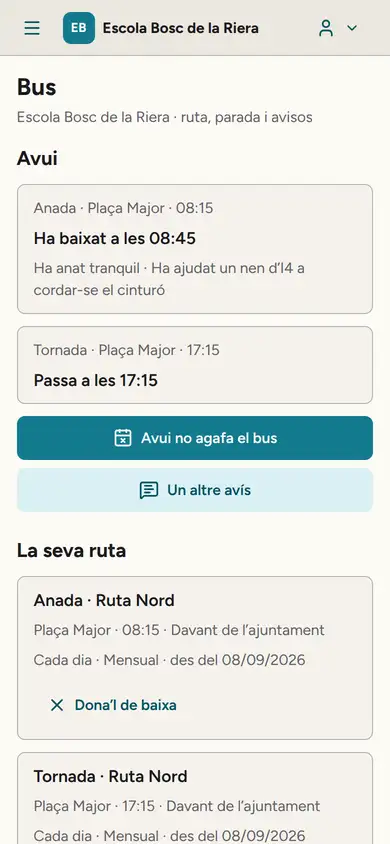
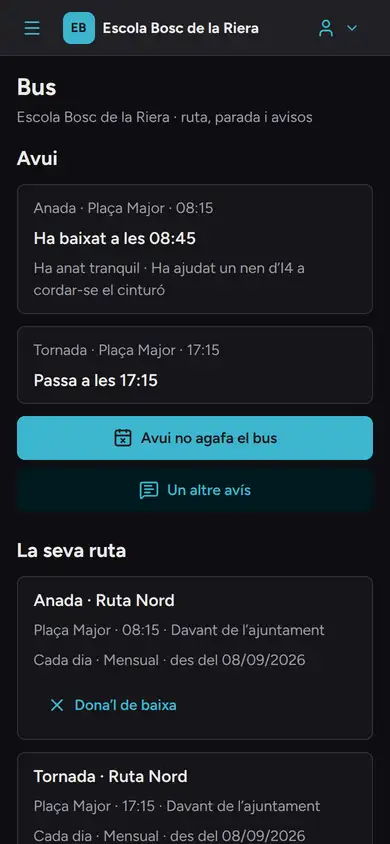
Pol’s bus, on his mother’s phone.


Marks, with a reason.
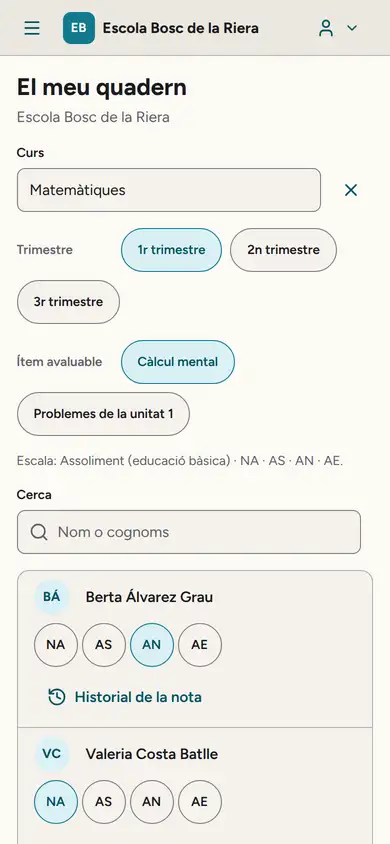
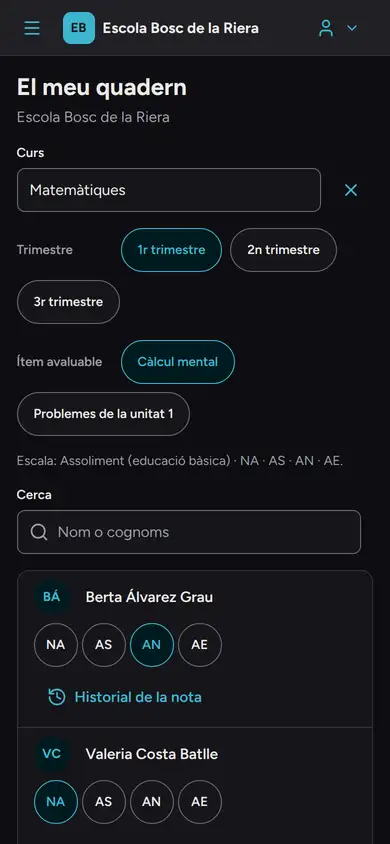
Marks go into the markbook on the achievement scale (NA, AS, AN, AE): one tap per pupil, from a phone too. If you need to correct a mark already published, you give a reason, which is logged.
Families, without your phone number.
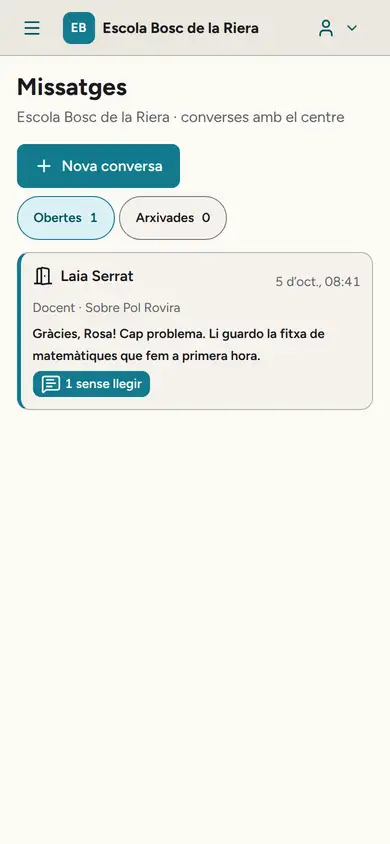
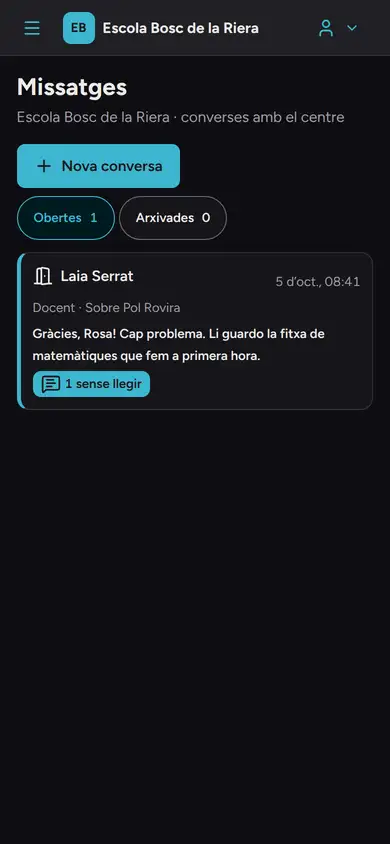
You talk to families through messages inside Auladia, without giving out your personal number. Parent meetings are booked in slots you open.
If a conversation goes wrong, you can report the message to leadership, mute the conversation or block it by stating a reason. Leadership reviews it: you are not left on your own.
What you do not see.
- Families' bills.
- Health data, educational psychology reports and court orders.
- Pupils who are no longer in your class.
- No private conversation with a pupil under 18: the legal guardian is always copied in, or the conversation is a group one.
Want to try it with your staff?
In the demo you take the register offline and see what a tutor who is also a parent sees.
Request a demo