Skip to content

For school leadership

Know what is happening at school without having to ask.

When you log in, the day is already there: who is absent, which classes have no teacher and who covers them, how many receipts the bank returned and what needs checking.


Your day

  1. Secondary starts · Xavier Prats, head of studies

    Secondary starts

    Xavier Prats, head of studies

    8:00. The English teacher is away on a training course. Her classes are already covered.

    Before the bell, Xavier opens Today. “Now at school” shows who is away and, for each of her classes, who is taking it; alongside, whether any class is left uncovered.

    Today, during English, each homeroom teacher stays with their own class. Nobody had to write it on a whiteboard.

    Module: Schedules · Today
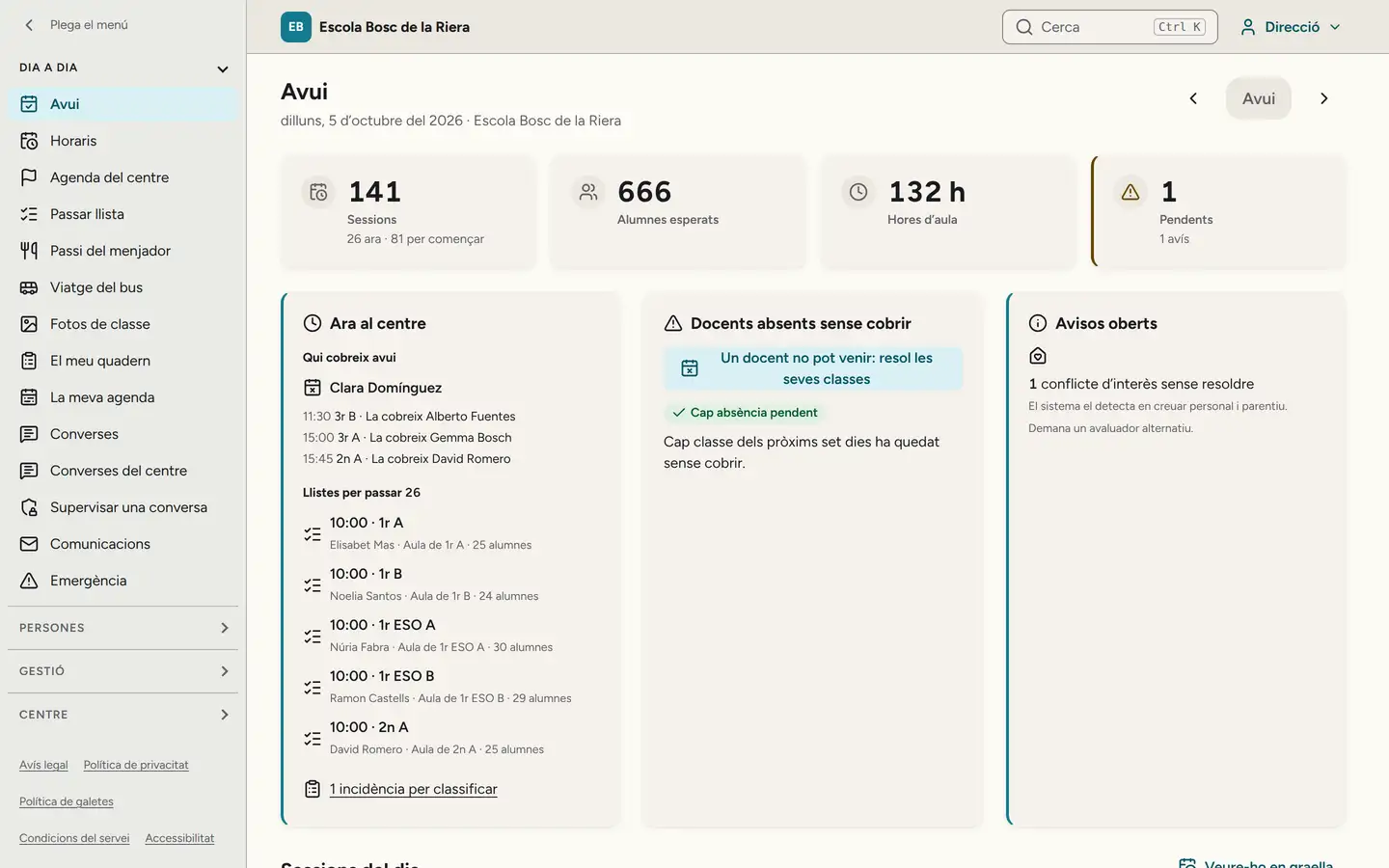
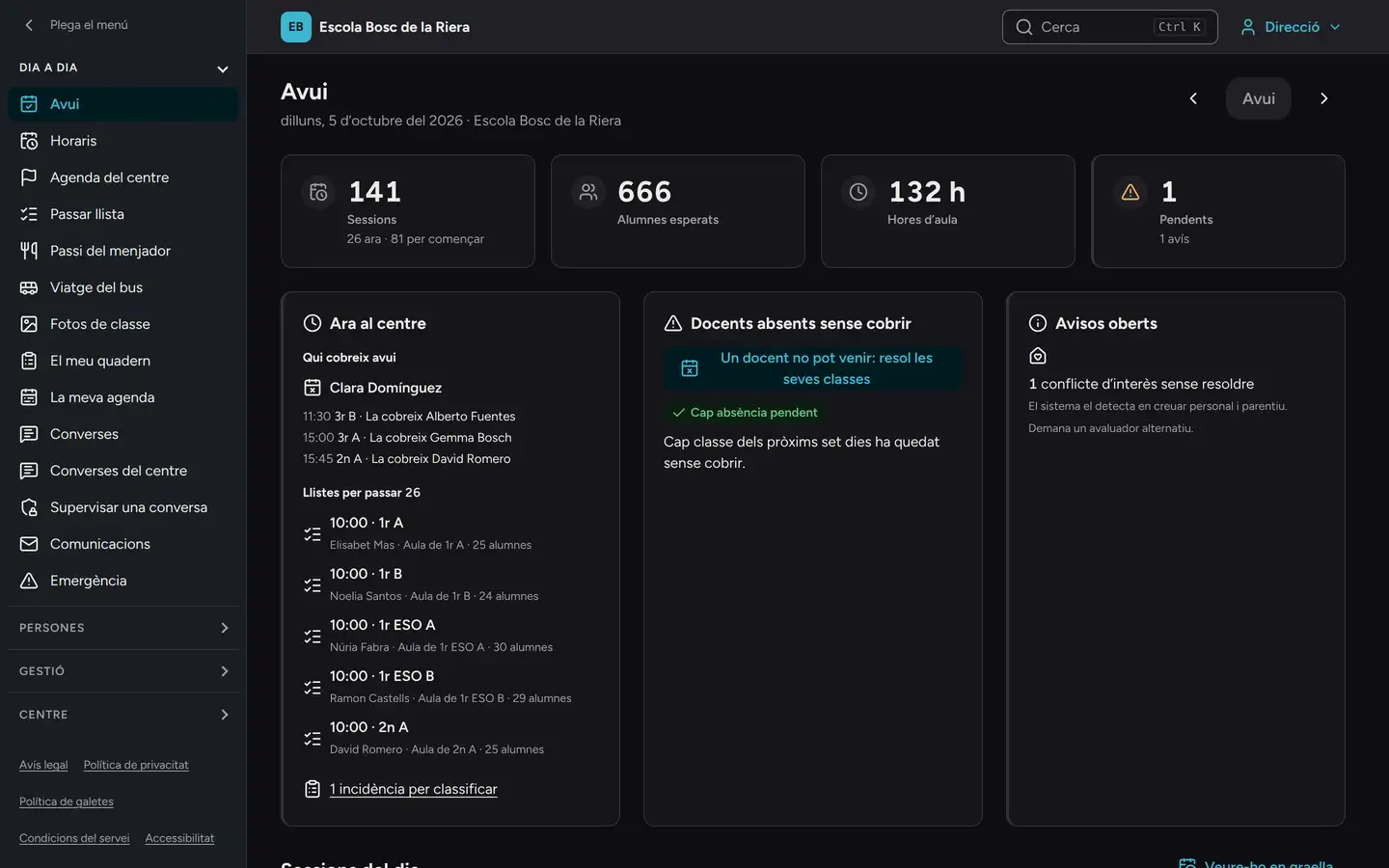
    The leadership Today screen on the head of studies’ computer, Monday 5 October: 141 sessions, 666 students expected and 1 open alert. Under “Now at school”, who covers Clara Domínguez today: Grade 3 B at 11:30, Alberto Fuentes; Grade 3 A at 15:00, Gemma Bosch; Grade 2 A at 15:45, David Romero. Beside it, no absence left to cover (the screen is in Catalan). The leadership Today screen on the head of studies’ computer, Monday 5 October: 141 sessions, 666 students expected and 1 open alert. Under “Now at school”, who covers Clara Domínguez today: Grade 3 B at 11:30, Alberto Fuentes; Grade 3 A at 15:00, Gemma Bosch; Grade 2 A at 15:45, David Romero. Beside it, no absence left to cover (the screen is in Catalan).
    Xavier’s Today screen, as it looks at 10:30.
  2. After-school · Anna Ribera, school office

    After-school ends

    Anna Ribera, school office

    18:00. Pol leaves robotics club. The club, lunch and the bus go on the same receipt.

    And it is split: half to his mother, half to his father. Rosa sees her receipt, and not Marc’s.

    Module: Billing · SEPA direct debit
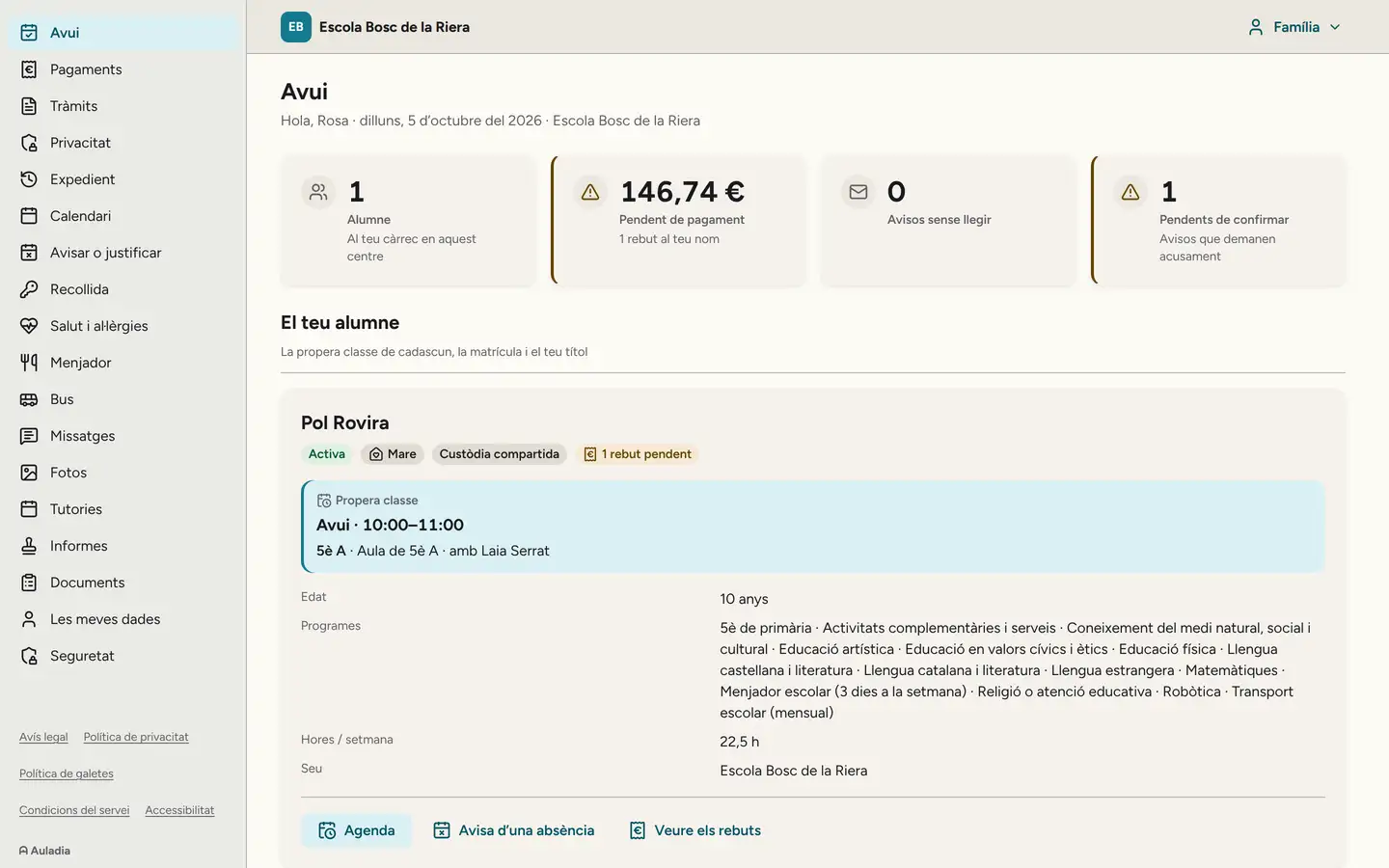
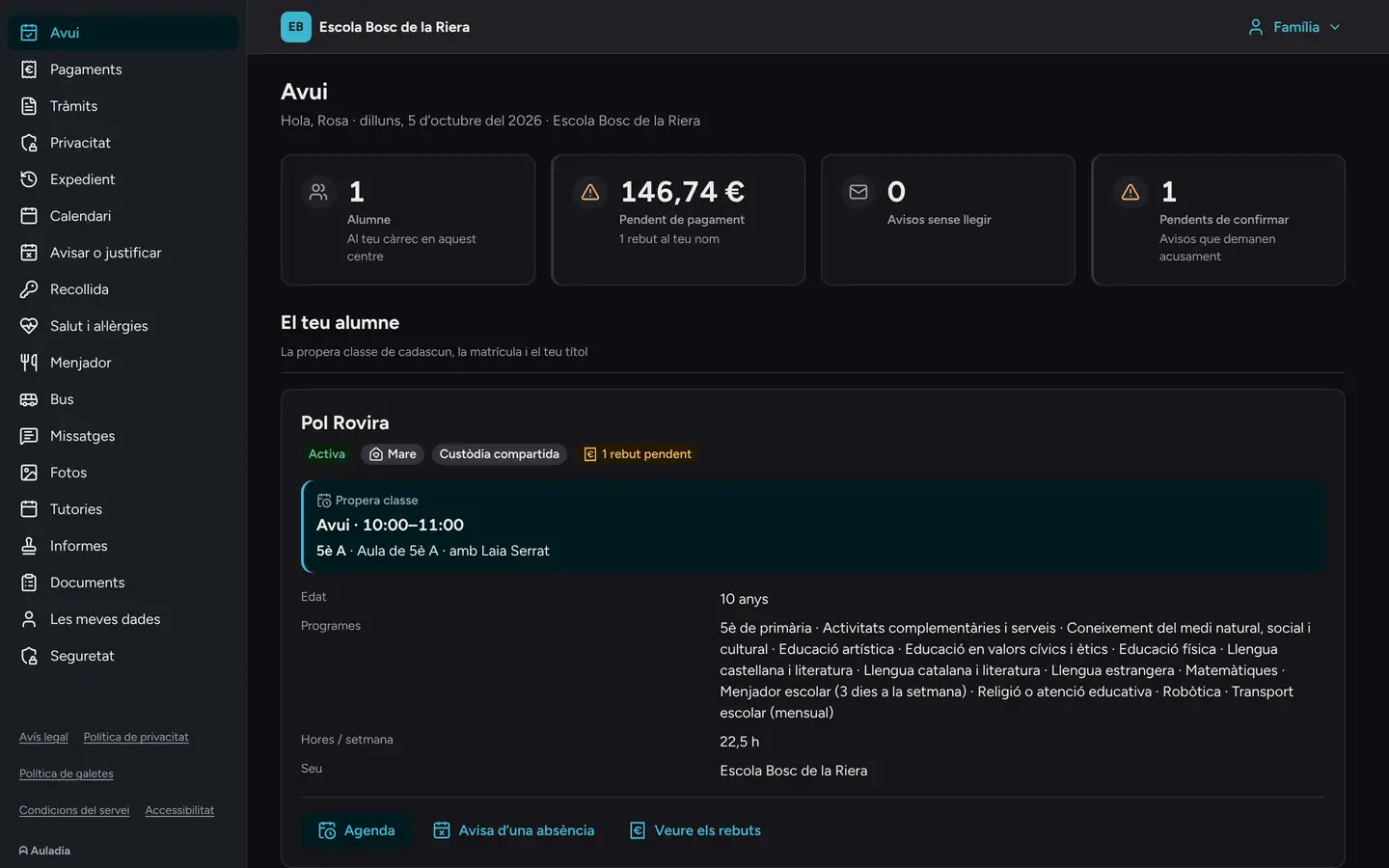
    The Today screen of Rosa, Pol’s mother, on her computer: €146.74 outstanding, one receipt in her name. Below, Pol Rovira, Grade 5 A, with shared custody and, among his services, robotics, school lunch and the bus (the screen is in Catalan). The Today screen of Rosa, Pol’s mother, on her computer: €146.74 outstanding, one receipt in her name. Below, Pol Rovira, Grade 5 A, with shared custody and, among his services, robotics, school lunch and the bus (the screen is in Catalan).

You decide who can do what.

Two clear switches: whether the office can rearrange lessons and whether the front desk can send an emergency notice. Every change is logged with who made it and when.
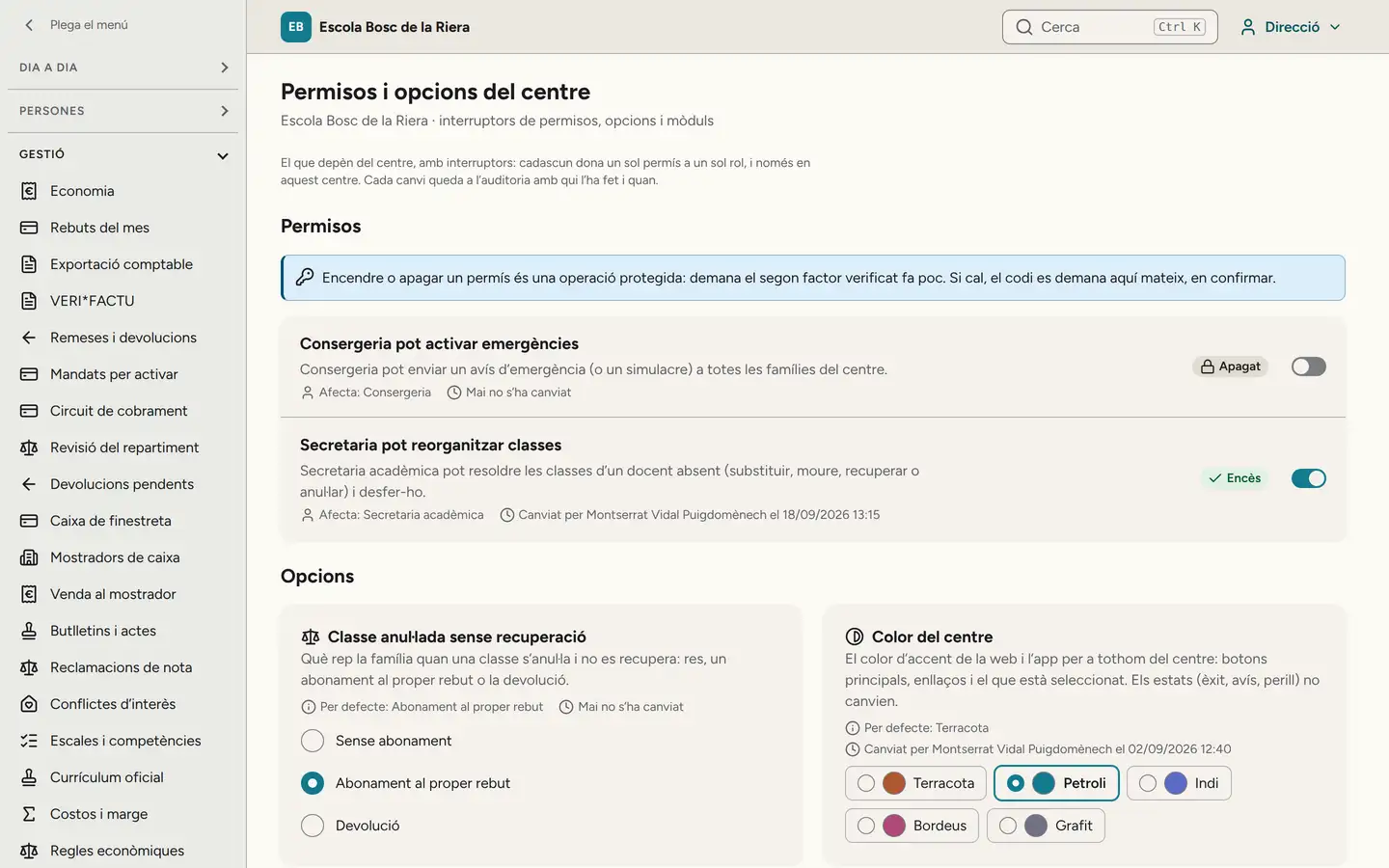
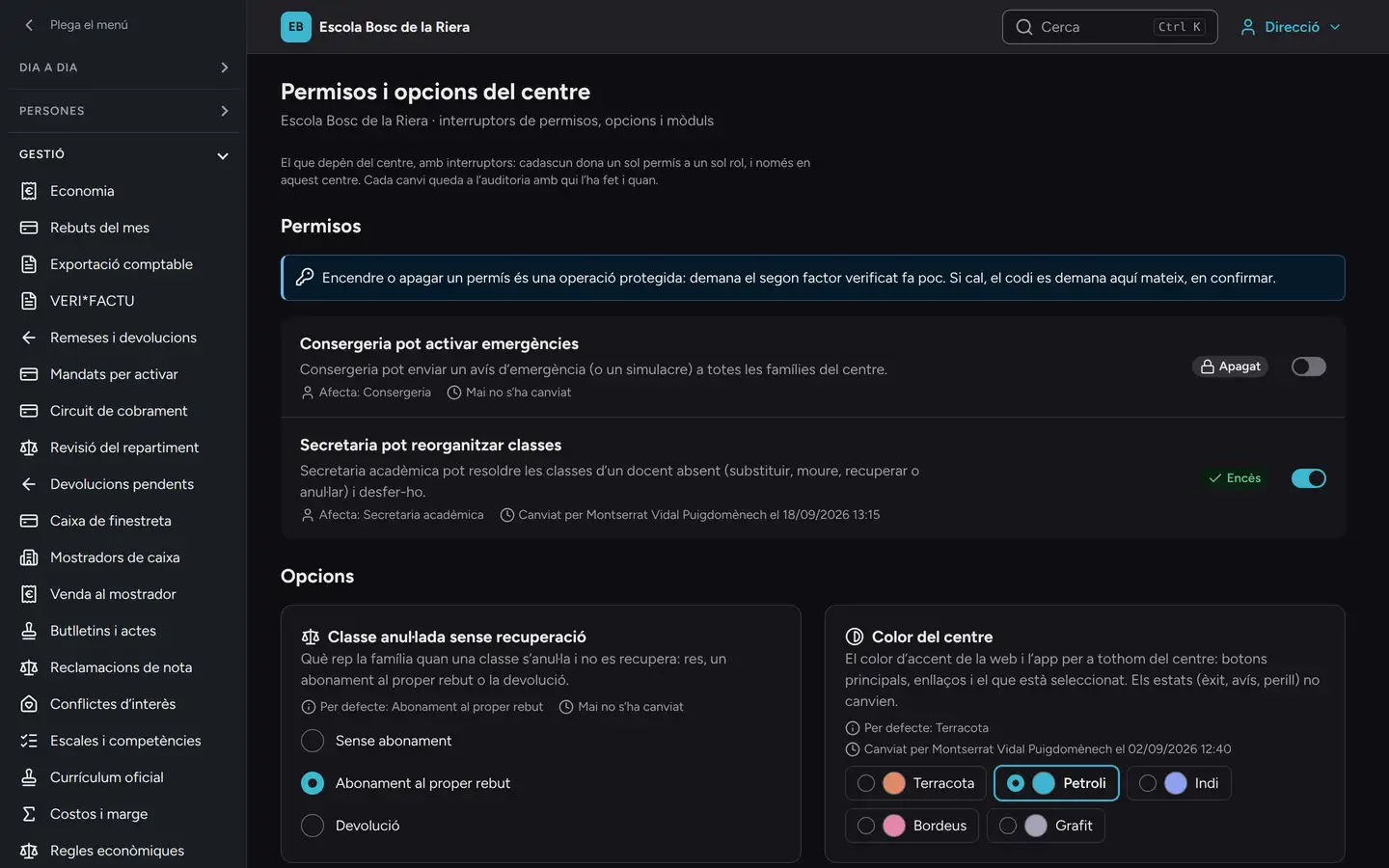
“School permissions and options” on the principal’s computer: the front desk cannot trigger emergencies (never changed) and the office can reorganize classes, switched on by the principal on 18/09/2026 at 13:15. Changing a permission asks for two-step verification (the screen is in Catalan). “School permissions and options” on the principal’s computer: the front desk cannot trigger emergencies (never changed) and the office can reorganize classes, switched on by the principal on 18/09/2026 at 13:15. Changing a permission asks for two-step verification (the screen is in Catalan).

Who looked at what.

You see every time a staff member looked up a family’s phone number in an emergency: who, which student, why and when. If there is a complaint about a conversation between a teacher and a family, you can read it, always with a reason that is written down.
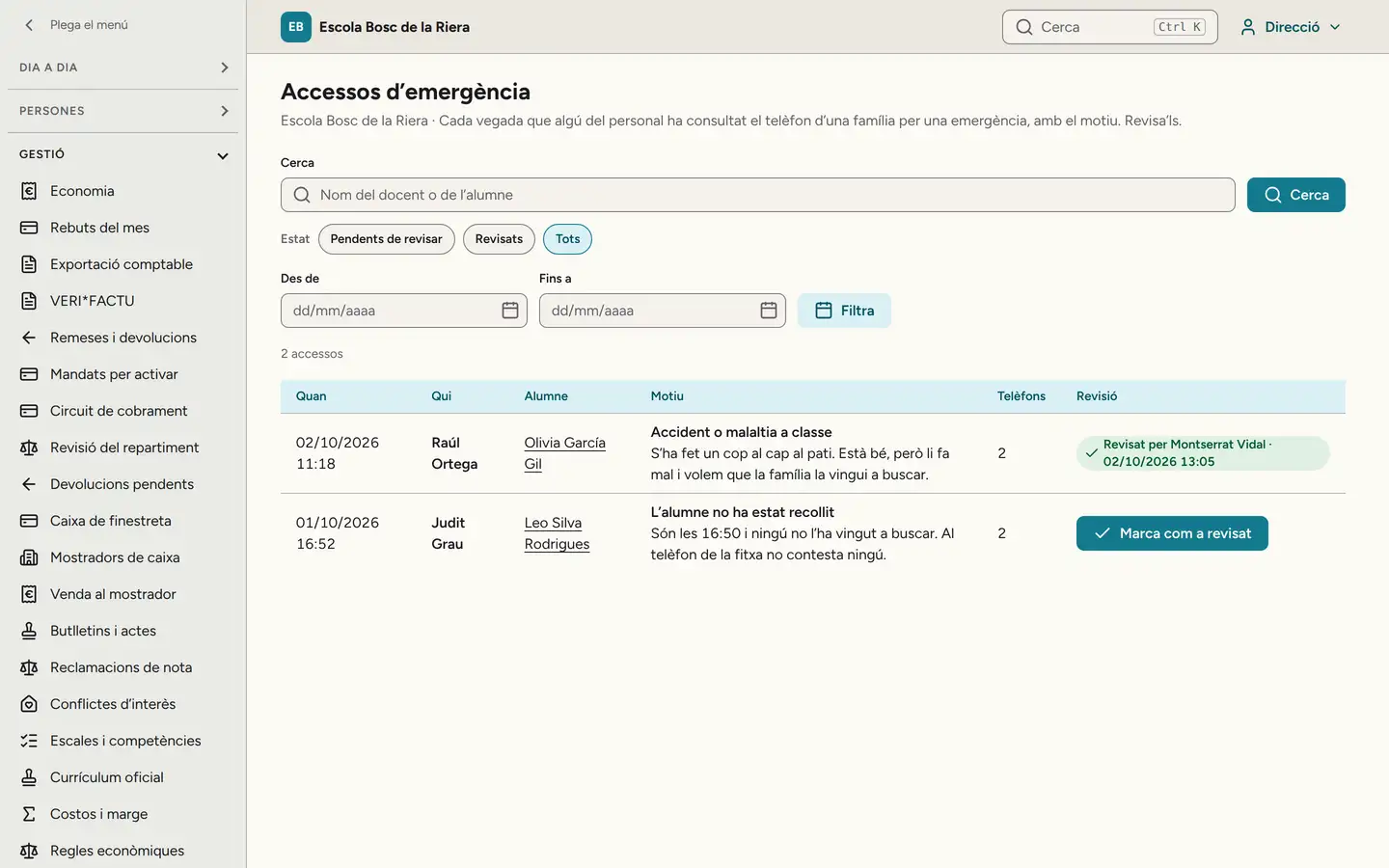
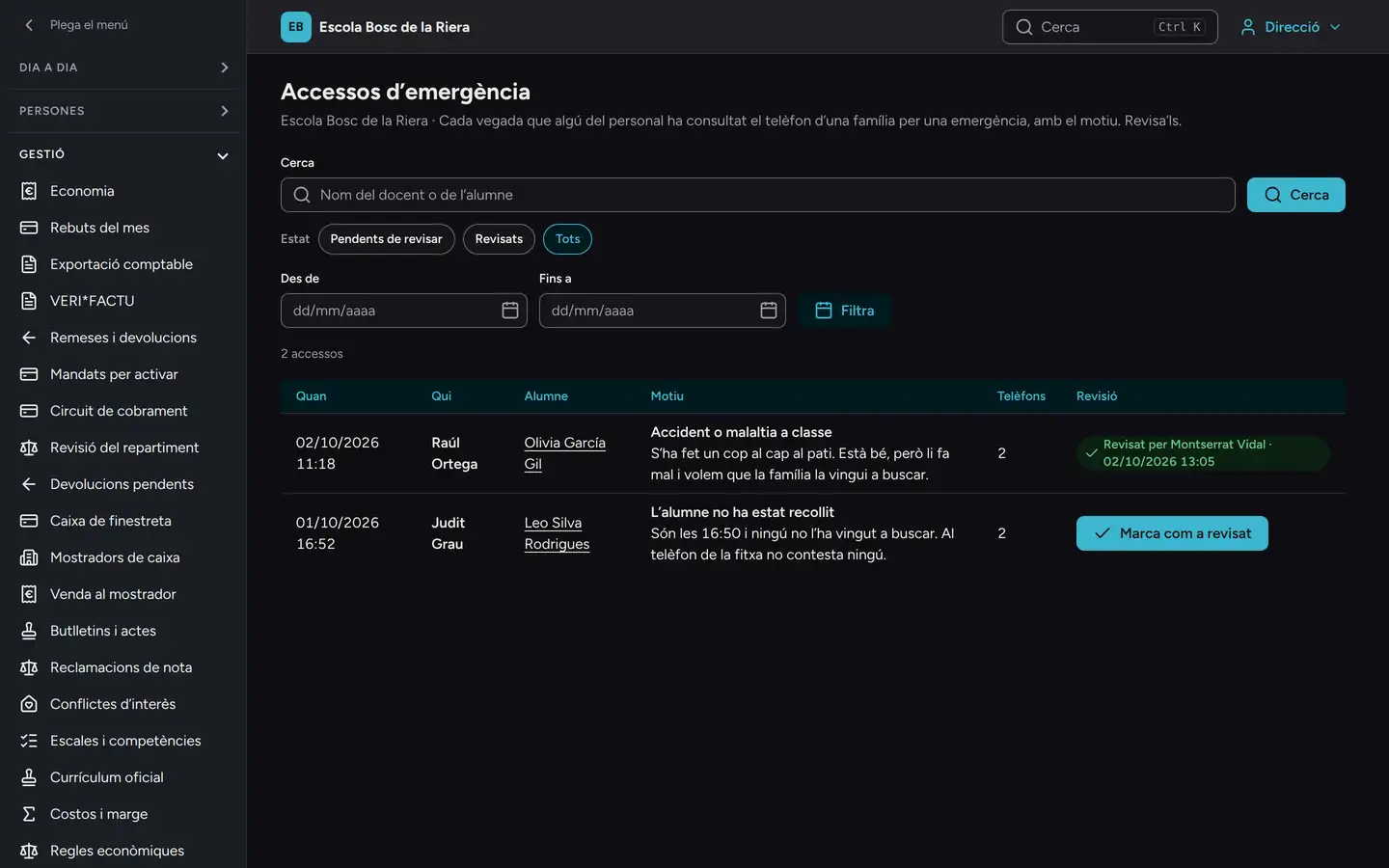
“Emergency access” on the principal’s computer: every time a staff member looked up a family’s phone number in an emergency, who, which student, why and when. One on Friday at 11:18 (a bump on the head at recess), reviewed by the principal; one on Thursday at 16:52 (nobody had come to pick up the student), still to review (the screen is in Catalan). “Emergency access” on the principal’s computer: every time a staff member looked up a family’s phone number in an emergency, who, which student, why and when. One on Friday at 11:18 (a bump on the head at recess), reviewed by the principal; one on Thursday at 16:52 (nobody had come to pick up the student), still to review (the screen is in Catalan).

Reported messages, in your inbox.

When someone reports a message or blocks a conversation, you get a notice, without the text. In the “Reports and blocks” inbox they are in order, pending ones first. Opening the reported message is logged, and there is a single decision: hide it, warn the sender, restrict their writing for one to thirty days, lift the block or dismiss it. If you are involved in the report, someone else in leadership resolves it.

Money, with two keys.

With the finance lead, you approve the bank batches. Whoever approves one cannot be whoever created it.

Afterward you see how each batch went: September’s, 504 charges and €80,415.42, with the 11 returned by the bank and, charge by charge, who pays and under which mandate.
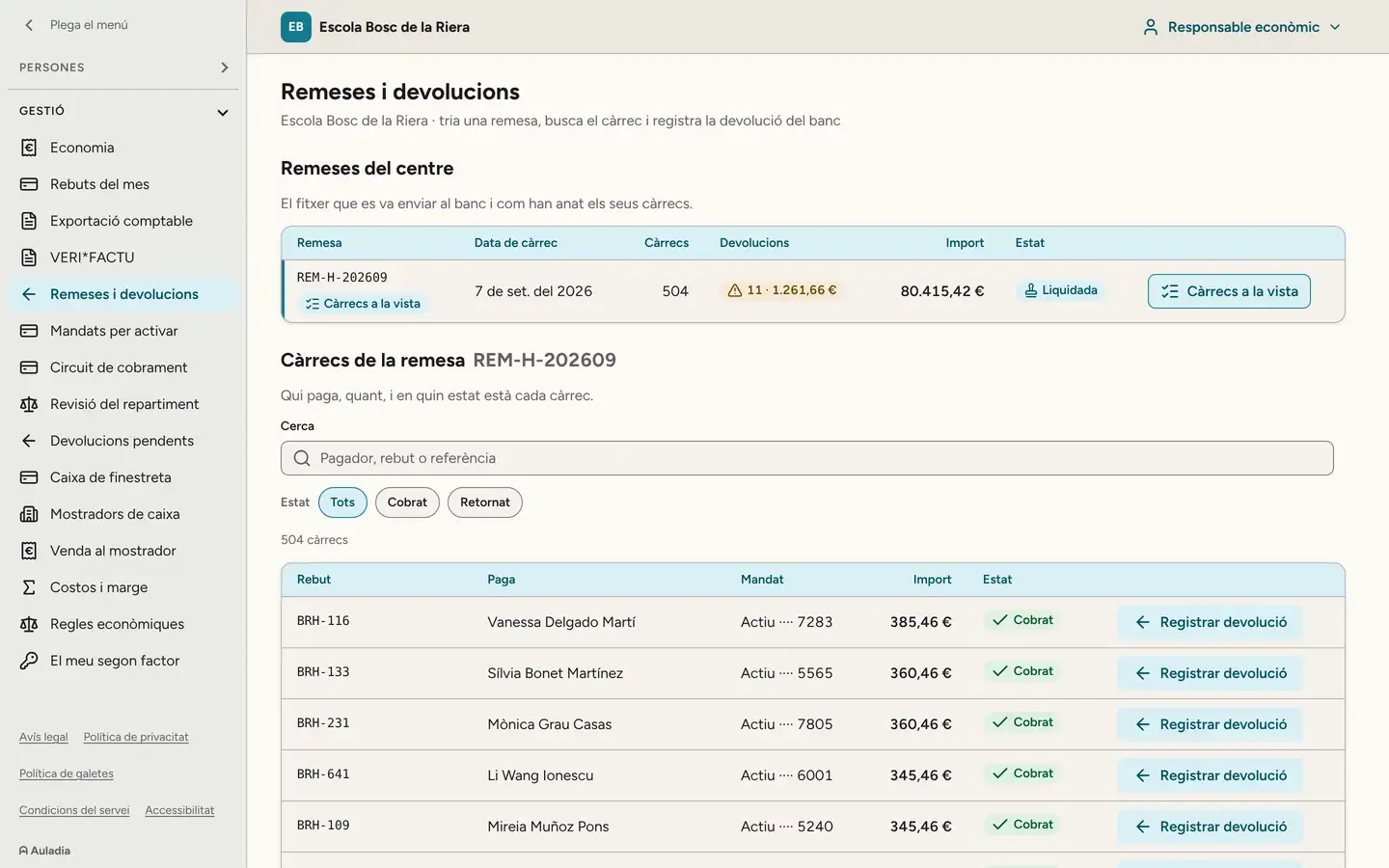
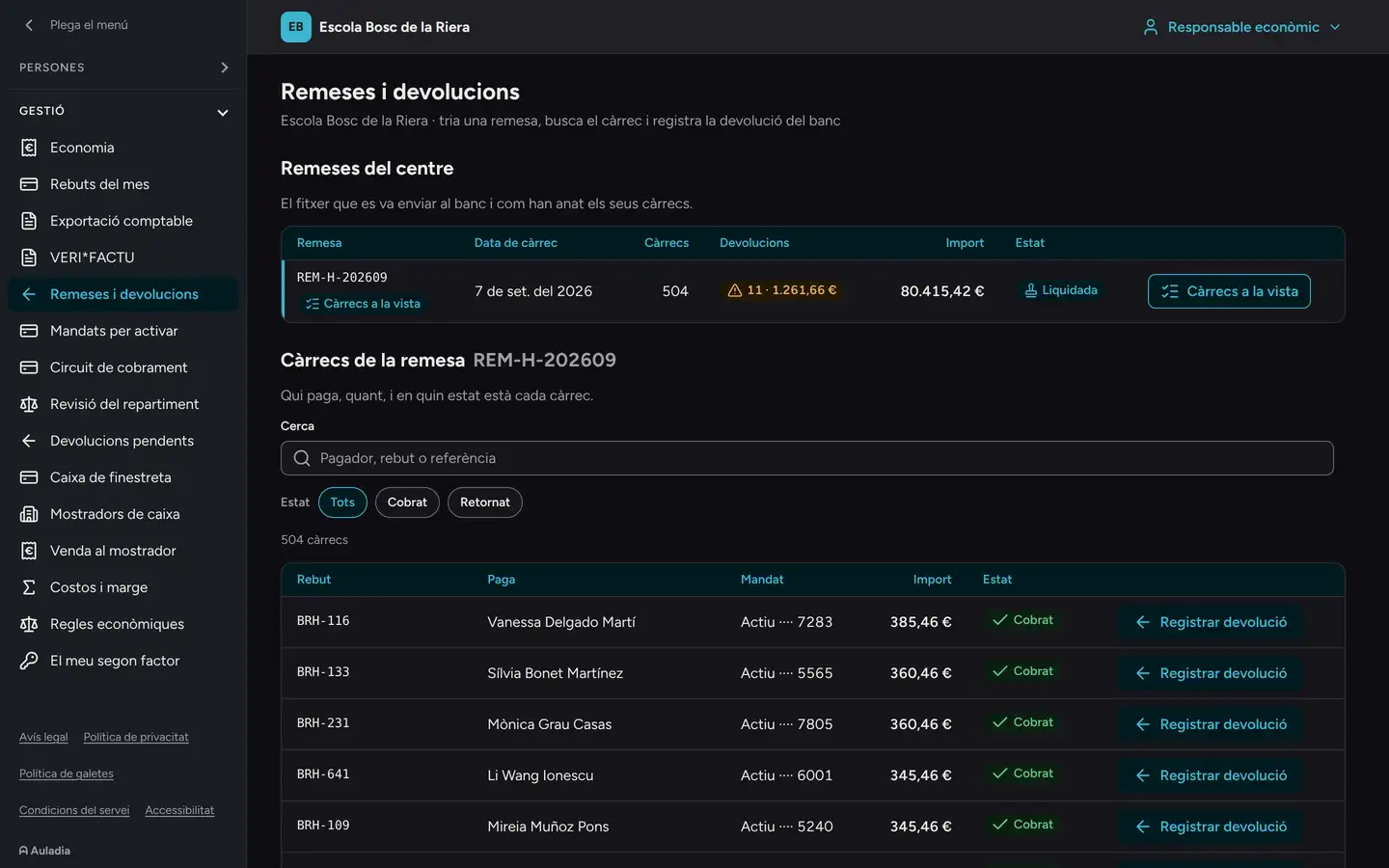
Direct debit batches and returns on the finance manager’s computer: batch REM-H-202609, collected on 7 September 2026, 504 charges, 11 returns for €1,261.66, €80,415.42, settled. Below, the charges: each receipt, who pays, the active mandate, the amount and “Collected” (the screen is in Catalan). Direct debit batches and returns on the finance manager’s computer: batch REM-H-202609, collected on 7 September 2026, 504 charges, 11 returns for €1,261.66, €80,415.42, settled. Below, the charges: each receipt, who pays, the active mandate, the amount and “Collected” (the screen is in Catalan).

What not even leadership can do.

Read a conversation without leaving a trace. See health data without a second factor.

Security and data

Want to see it with your school leadership?

We run the demo with your team: you log in as the principal, a homeroom teacher and a parent.

Request a demo