For families
What you need to do today for your child, right at the top.
A card for each child: the next lesson, absences, notices and what needs doing. From the app you report an absence, sign a consent form, check the menu and download the report card.
Your day
-
Break · Laia Serrat, Grade 5 A homeroom teacher
Break
Laia Serrat, Grade 5 A homeroom teacher
11:00. One permission form, two homes.
The permission form for the Grade 5 Science Museum field trip went out on Friday. Pol’s parents are separated: it reached Rosa and Marc, each on their own phone.
His mother has signed it. His father’s phone shows that permission is given, but not who signed it or when: each has their own account and their own notifications.
Module: Messages · Permissions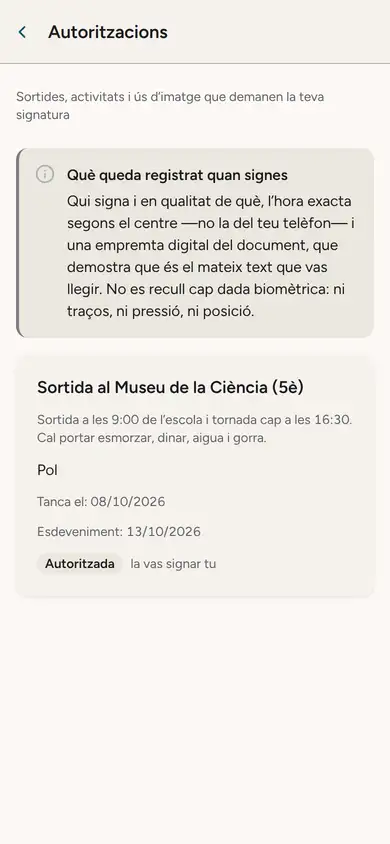
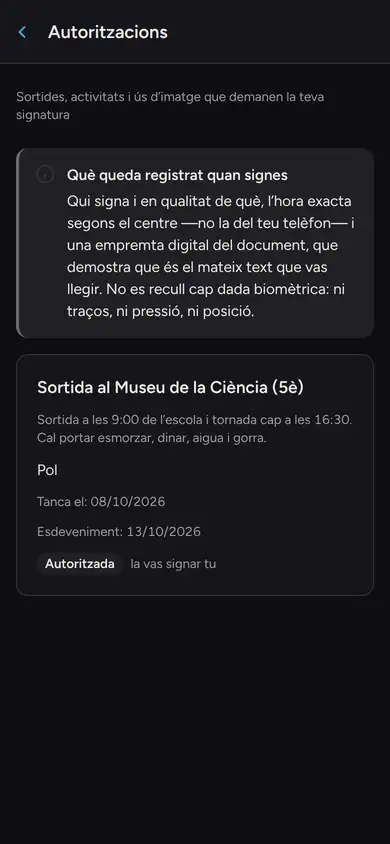
Rosa Sánchez, his mother 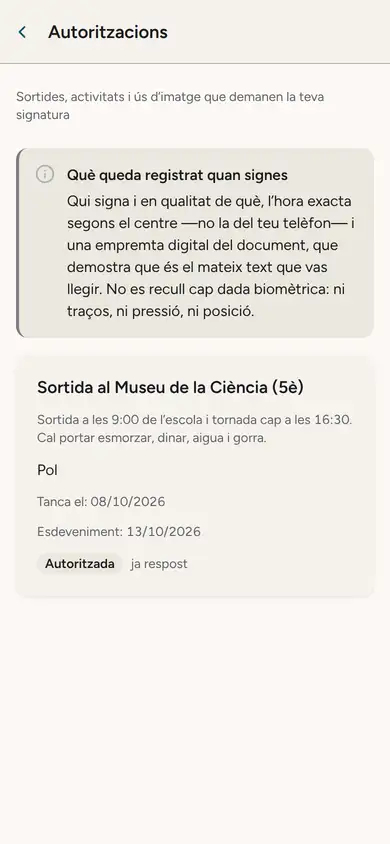
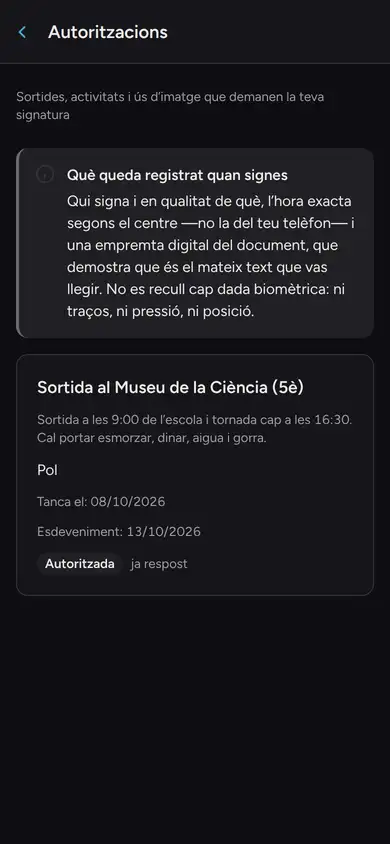
Marc Rovira, his father -
Midday · Núria Pallarès, lunch supervisor
Midday break, until 15:00
Núria Pallarès, lunch supervisor
12:30. Three sittings: 12:30, 13:30 and, for secondary, 14:30.
Núria takes the second sitting on her phone: “All here” in one tap and, when needed, a note or an incident next to a name.
Pol’s mother checks the week’s menu on her phone. On a day the dish contains gluten, the warning appears right under it.
Module: Lunch and before-school care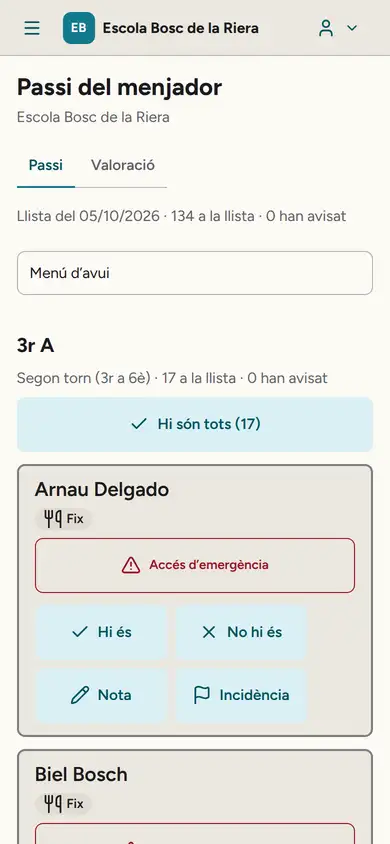
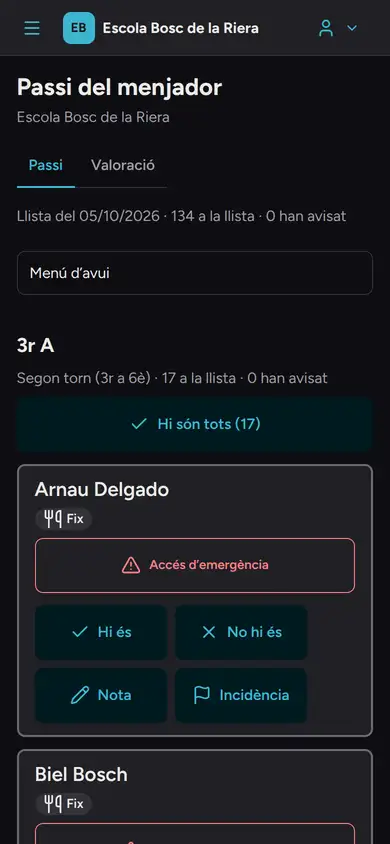
The lunch list, on Núria’s phone. 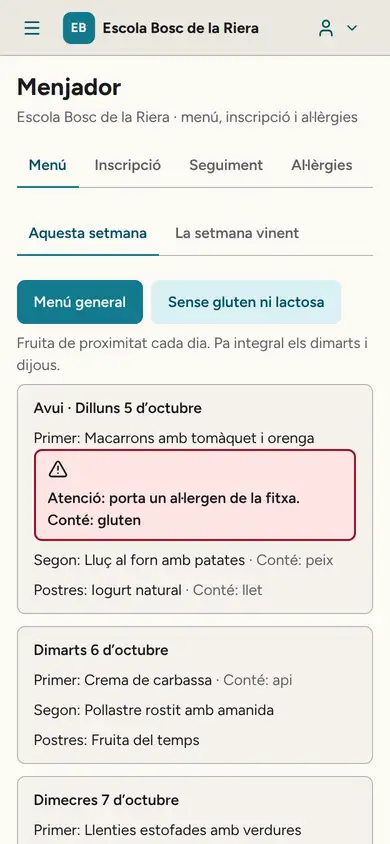
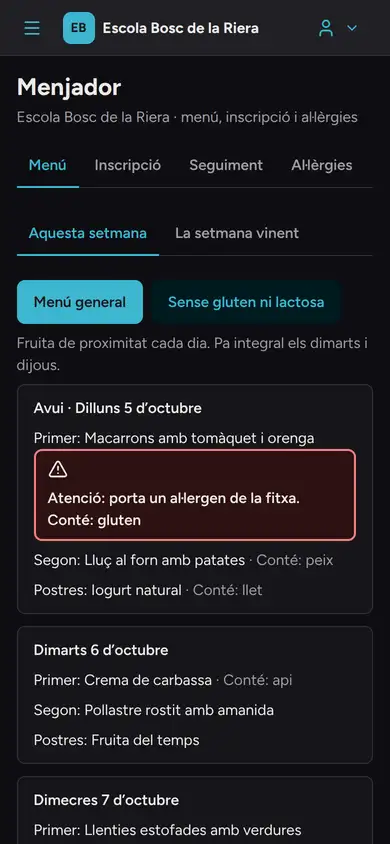
The menu, on Rosa’s phone.
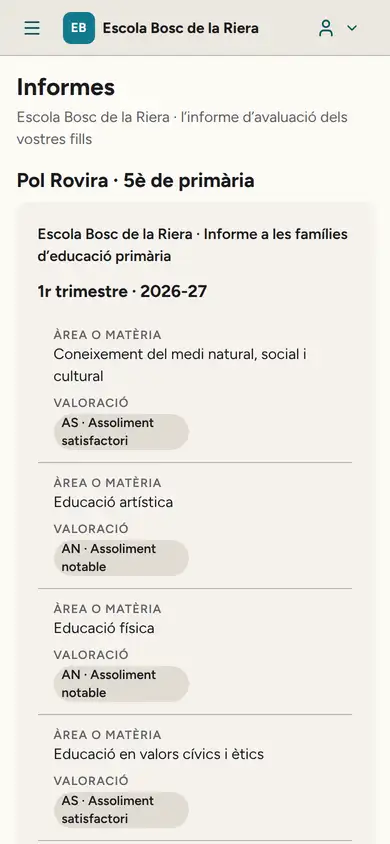
The report card, clear.
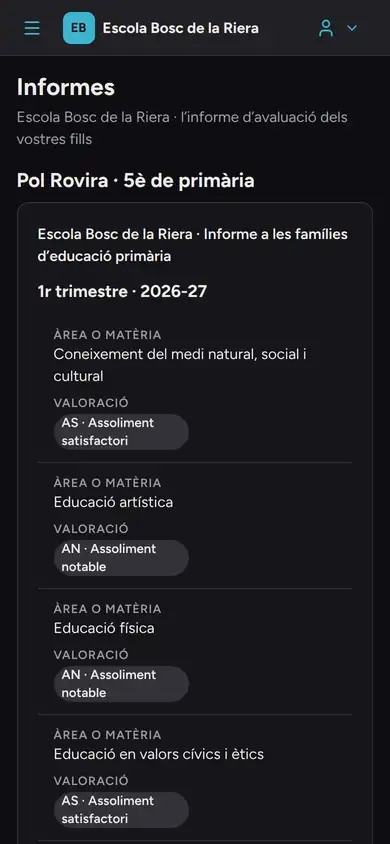
The report card arrives on the phone with the official scale, subject by subject, and the homeroom teacher’s comment. In the screenshot, Pol’s first-term report card, published on the Friday before Christmas.
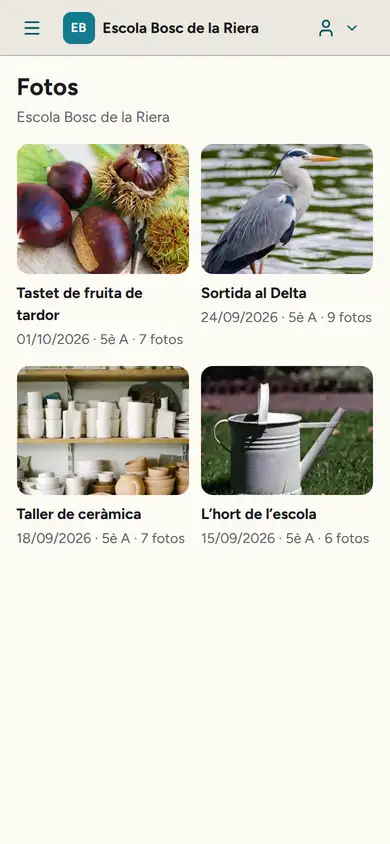
Class photos.
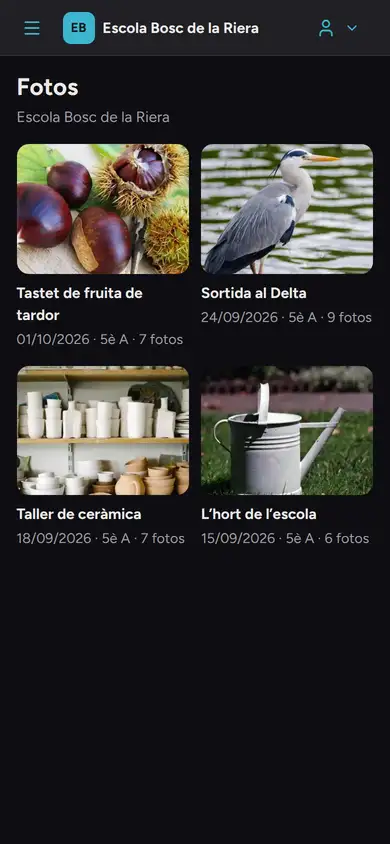
Your child’s class albums on your phone, with the photos you are allowed to see. If a classmate has no image consent, the photos they appear in are not there: that is why Rosa sees 7 in the pottery workshop album and the homeroom teacher sees 8.
If you are separated.
Each of you has your own access, notifications and receipts. If you pay half each, each gets their own and cannot see the other’s.
Guide: separated parents at schoolYour phone
- Notifications show no data on the lock screen: they say what kind of notice it is, such as “New notice from school”, and the content is read inside the app.
- Data the app stores on the phone is encrypted; photos you download are protected by the phone’s own lock, and the app deletes them once they are no longer needed.
- The app and the portal in Catalan, Spanish or English, as you choose (what the school writes stays in the language it writes it in).
- If a message is out of line, you can report it to the school’s leadership, and you can mute or block the conversation with a teacher.
- You can delete your account from the app or the website: access is withdrawn at once.
- The iPhone and Android app is in pilot: it is not in the stores yet.
When your child turns 18.
The account becomes theirs. They decide whether you keep seeing their data and, separately, whether you can deal with the school on their behalf. Until they allow it, a line on your Home screen says since when and what you keep: if you pay their receipts, you still see them.
Security and dataWant your school to try it?
Pass this page on to the school leadership. We will show them the whole day.
Request a demo for the school