Security and data
Who sees what, at your school.
A school holds data about children, health and, sometimes, court orders. Auladia’s rule is that each person sees the minimum they need to do their job, and that every look at sensitive data is logged.
Everyone sees what is theirs to see.
These are not hidden screens. The database checks every query, and if someone has no permission to see a piece of data, it does not come back. Pick a person at the made-up school and see what they can see about Pol, a Year 5 pupil whose parents are separated.
Showing the selected person.
| About Pol | Head teacher | Year 5 A tutor | Lunch supervisor | Pol’s mother | Pol’s father, separated |
|---|---|---|---|---|---|
| The assessment report | Yes | Yes She writes it. | No | Yes | Yes |
| Health data | With a second factor And the look is logged. | No No teacher sees it. | Only the diet What she needs to serve lunch. | Yes | Yes |
| The bills | Yes | No | No | Her own Not the father’s. | His own Not the mother’s. |
| The meeting the mother booked | Yes | Yes | No | Yes | No He can book his own. |
The child
- Teachers
- See the pupils they teach. When a pupil changes class or leaves, they stop seeing that record.
- Health and court orders
- Health data, educational psychology reports and court orders are never shown to teachers. Whoever may look at them does so with a second factor, and every look is logged.
- Conversations
- No teacher can hold a private conversation with a pupil under 18: the legal guardian is always copied in, or the conversation is a group one.
- A complaint
- If leadership needs to read a conversation because of a complaint or to protect a pupil, they do so with a stated reason, thread by thread, and it is logged.
- Reporting and blocking
- Whoever receives an inappropriate message can report it, or report the whole conversation. The report goes to the school’s leadership, not to Auladia: leadership reads it, which is logged, and decides once whether to hide the message, warn the sender, restrict their writing for a few days or dismiss it. Nobody involved in a report can resolve it. A family can also mute or block the conversation with a teacher, and a teacher can block it by stating a reason; leadership is notified of every block. The channel with the school office can never be blocked.
- At 14
- From 14, a pupil can have their own account, without seeing anything of the family’s finances.
- At 18
- The account becomes the pupil’s own, by itself, on their birthday. They decide, parent by parent, whether their parents can keep seeing their data and, separately, whether they can deal with the school on their behalf. By default, neither, and they can withdraw it at any time. Whoever pays keeps seeing their own bills.
Your account is yours.
Families, and pupils from age 14, can delete their account from the app or the website. Access is withdrawn at once, and no route opens it again. School staff ask the school, which handles their leaving.
The school’s data is a separate matter: the erasure request reaches the leadership of each school, which has one month to respond and keeps what the law requires it to keep, such as the pupil record.
Separated families
Each parent has their own access, notifications and bills. If they pay half each, each gets their own and cannot see the other’s. The split is exact to the cent: both parts add up to the fee.
A restraining order or a pick-up restriction is recorded with its reference and date. Depending on the order, the person stops seeing the child’s data, receiving notifications or being able to collect them. The system never reveals that a restriction exists: the answer is the same as if the data did not exist.
At the gate, staff know who may collect each pupil. If someone may not, they know without knowing why.
Guide: separated parents at schoolEvery sensitive look is written down.
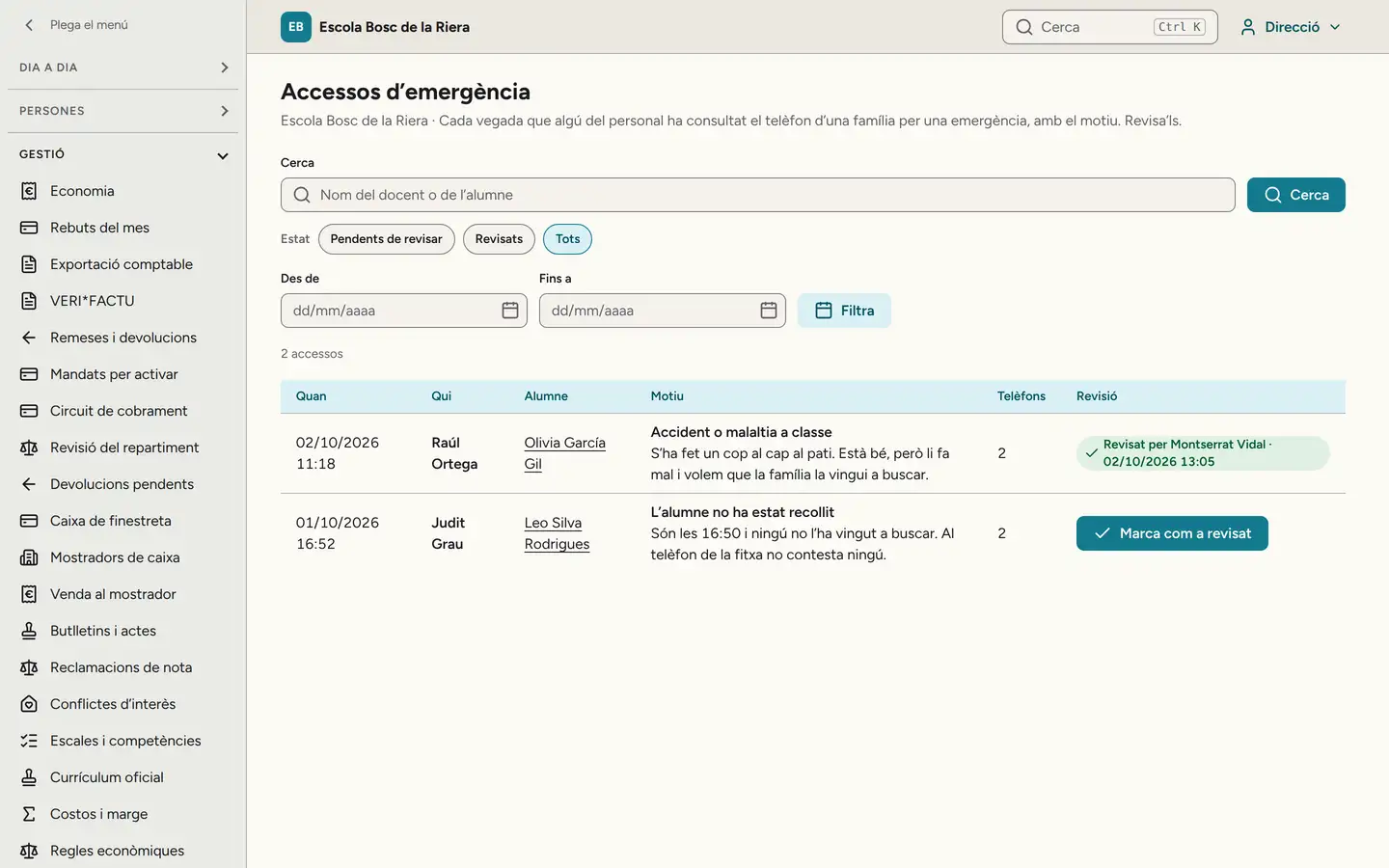
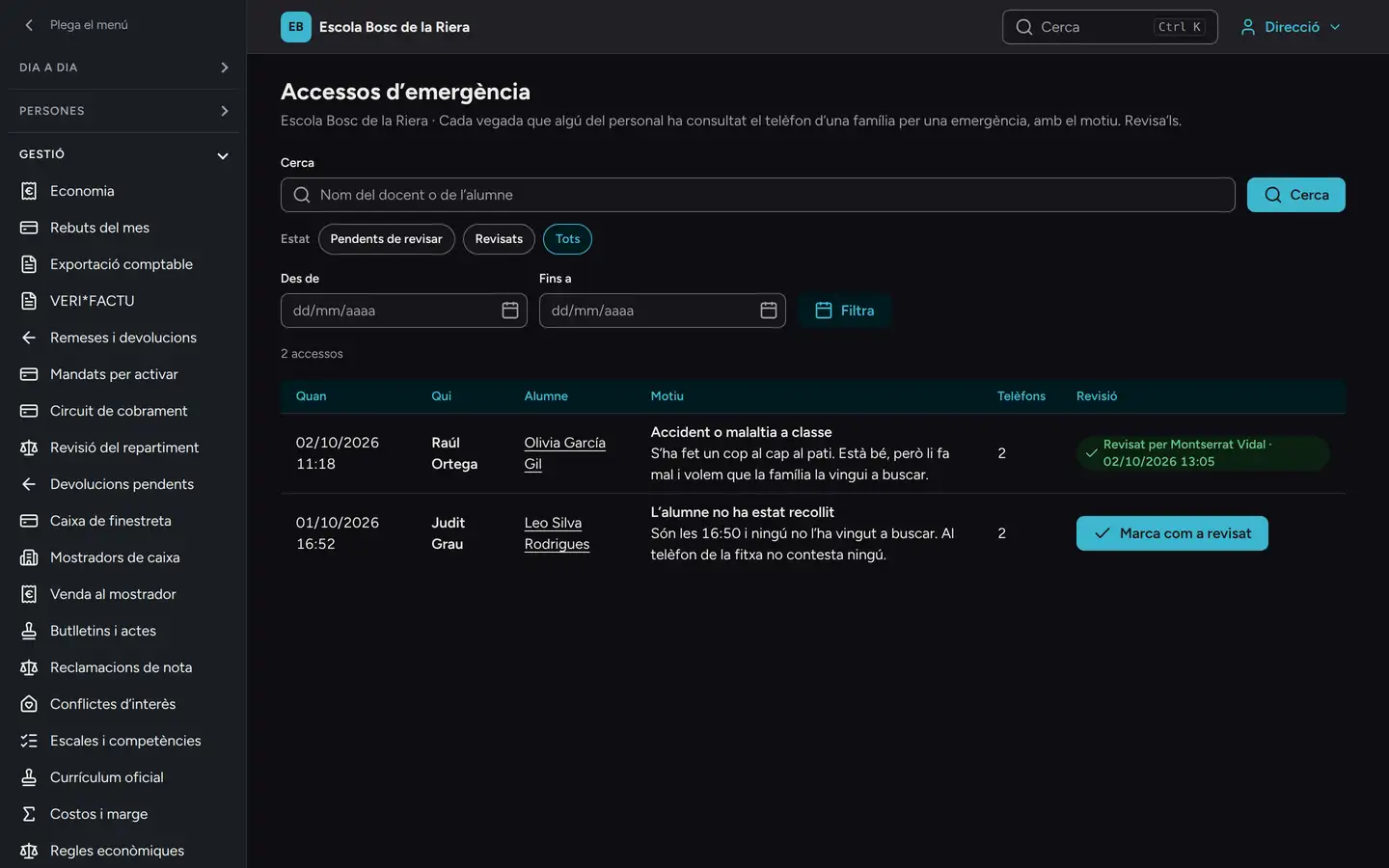
When a staff member looks up a family’s phone number in an emergency, leadership is notified and sees it in the log: who, which pupil, why and when, and marks it as reviewed. Who changed what each role at the school can do is written down too.


How we test it.
With every change, a test suite checks that no school can see another school’s data. Before every new version, a test run logs in as every role at a test school and checks what each must be able to do and what they must not.
We have also tested it with a very large made-up school: 3,301 pupils and 70,902 bills.
- 21,900
- calls to the system’s 448 functions tried to read another school’s data in the last full review. None returned anything.
- 398
- school situations, role by role, on every new version.
- 343
- of those situations are things someone must NOT be able to do, and we check they cannot.
These are tests, not customers: no school is using Auladia in production yet.
Where the data lives.
Production is ready on Amazon Web Services, in a European Union region, and encrypted backups go to another European Union region. The most sensitive fields (ID document, bank account, health and court orders) are encrypted with a key that belongs to each school.
Backups expire within 30 days at most. Leadership, the office and finance sign in with a second factor, staff sessions close by themselves and files uploaded by families go through a virus scan.
We do not use your school’s data to train any artificial intelligence. Auladia does not use any.
Production is ready but not running: it starts with the first school, and there is none yet.
You are the controller. We are the processor.
The school’s data belongs to the school. A data processing agreement, signed before any real data is loaded, sets this out, with the list of providers involved.
If a school leaves, it takes all its data in open file formats: every table in CSV and JSON with a description of each field, invoices, receipts, reports and certificates as PDF, the VERI*FACTU records, the direct debit files exactly as they went to the bank, documents and photos. Leadership requests it from the export screen and downloads it through a temporary link. Then the data is deleted, except what the law requires us to keep.
If the download of a very large package is interrupted, it starts again: each link allows five downloads within 24 hours, and another one can be created.
Coming next
- National Security Framework (ENS)
- Many of the measures are already there (second factor, access logs, encryption, least privilege). Certification is the next formal step.
- Accessibility audit of the app
- We will do it before working with public schools.
- Uptime commitment
- We will publish it once we can measure it in production.
Want to see it with your leadership team?
In the demo you log in as the head teacher, a class tutor and a parent, and see what each one sees.
Request a demo